Free QR Code Generator Online*
Transform Your Link into a QR Code
Design QR Code (optional)
Download your QR Code

How to Generate a QR code for a Website
To generate a QR code for a Website, follow the simple steps.
Choose the QR code type.
Pick from various QR code types based on your needs.

Fill in the relevant details.
Enter the specific information you want to encode into the QR code.

Design & Download the QR code
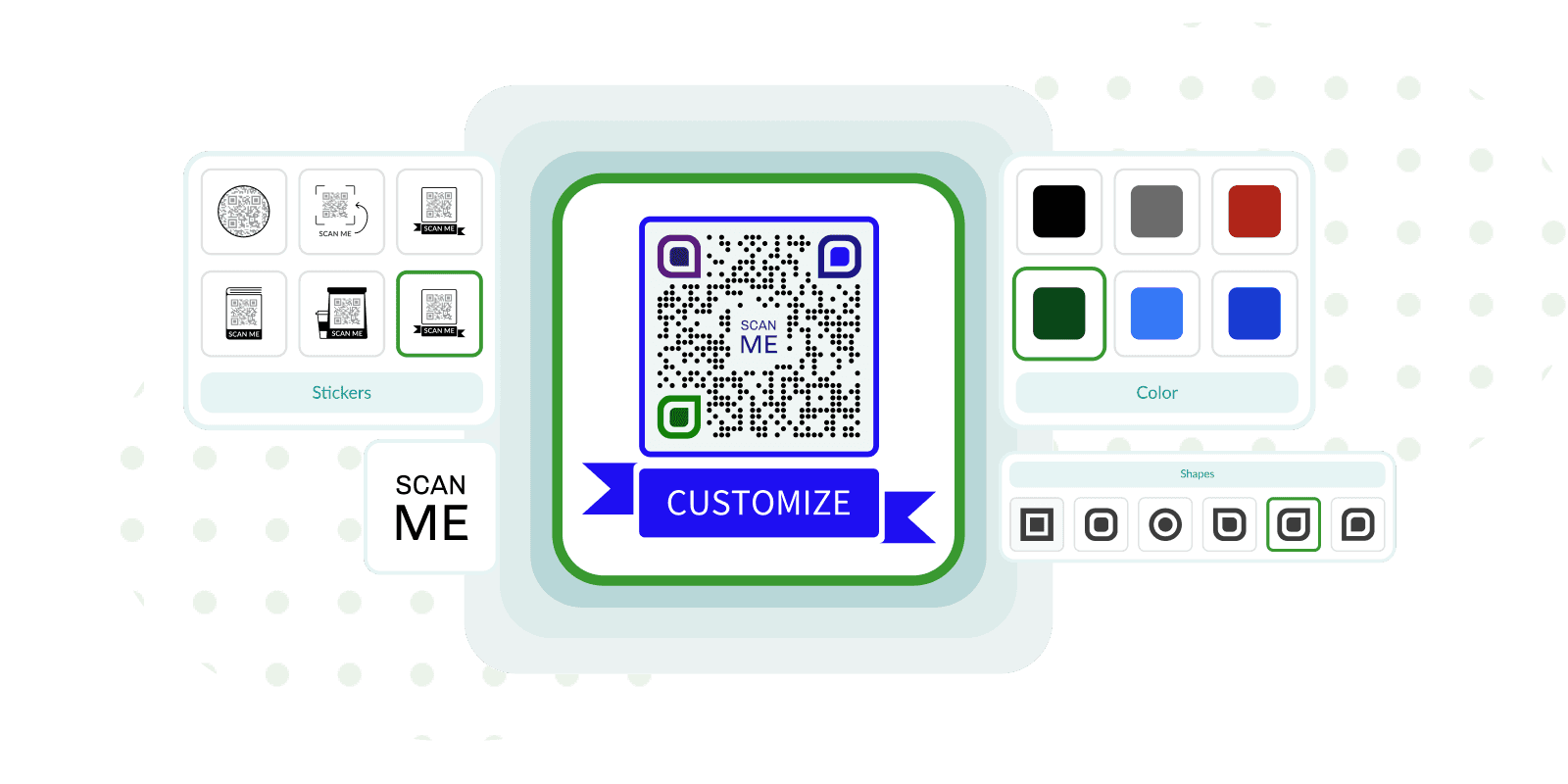
Customize the appearance of the QR code with colors, stickers, logos, and shapes.

How to Generate a QR code for a Website
To generate a QR code for a Website, follow the simple steps.
- Choose the "Website" QR code solution.
- Enter the URL of the website in the field.
- Personalize the QR code with stickers, colors, shapes, and logos.
- Download the Website QR code by signing in.
Website QR code contains a URL link used in various marketing and educational materials, promotional products, and business cards. Scanning a QR code for URLs makes the process easy for users to access the website without manually entering the URL.
The advantages of using a QR code for a website include accessing a specific web page within seconds, increasing website traffic and engagement, and tracking marketing campaign effectiveness.
Various customization options are available for Website QR codes, such as stickers, logos, shapes, and colors, which create a more appealing design and make it more relevant. The time required to generate a Website QR code is fast, allowing it to be saved in various file formats such as PNG, JPG, EPS, and SVG.
Unique Design Options
Explore our wide variety of stickers, shapes, colours and add a logo to
individualize your QR code.
Explore QR Code Landing Page Templates
Elevate your business presence with tailored QR code types, effortlessly linking customers to your services, webpage, promotions, and social media platforms.
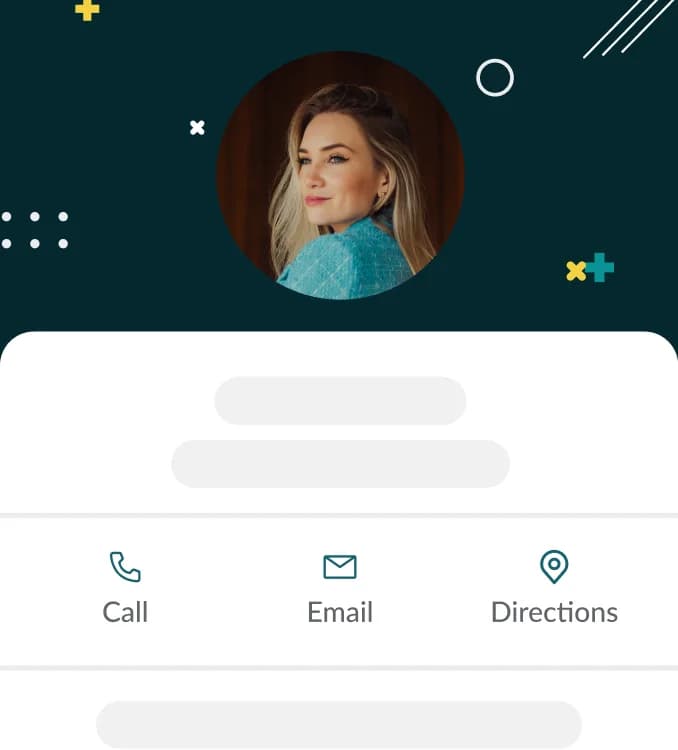
QR Code for vCard
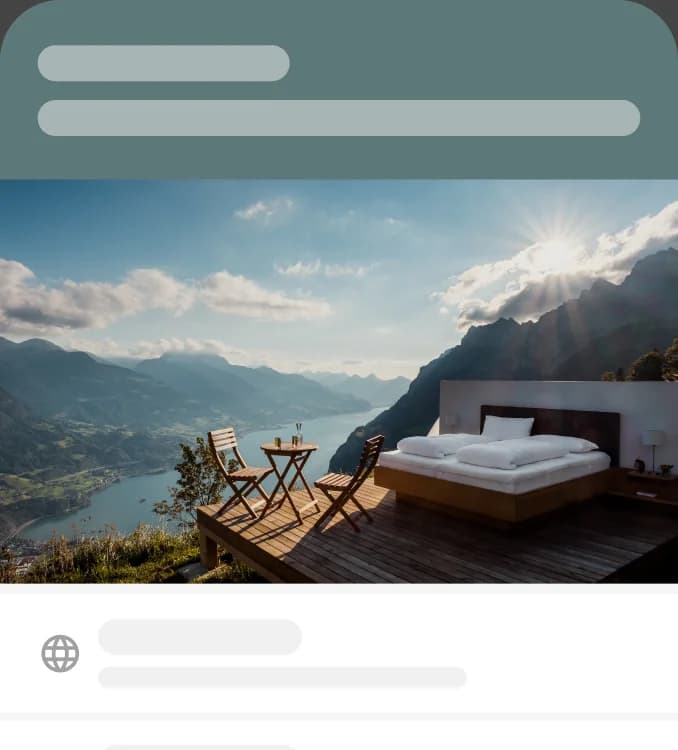
QR Code for Social Media

QR Code for Business Page
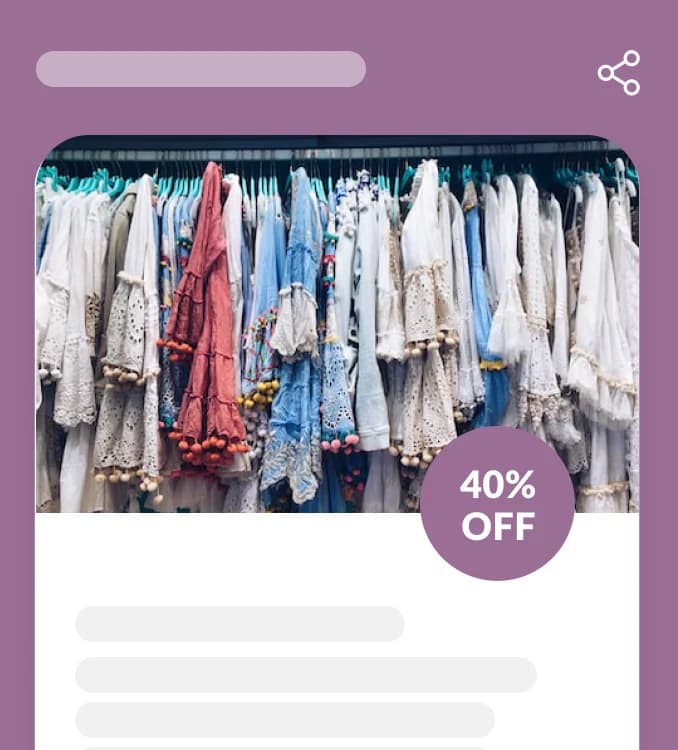
QR Code for Coupon
QR Codes On Promotional Materials
Distribute and Convert Faster with our Printing Material Options
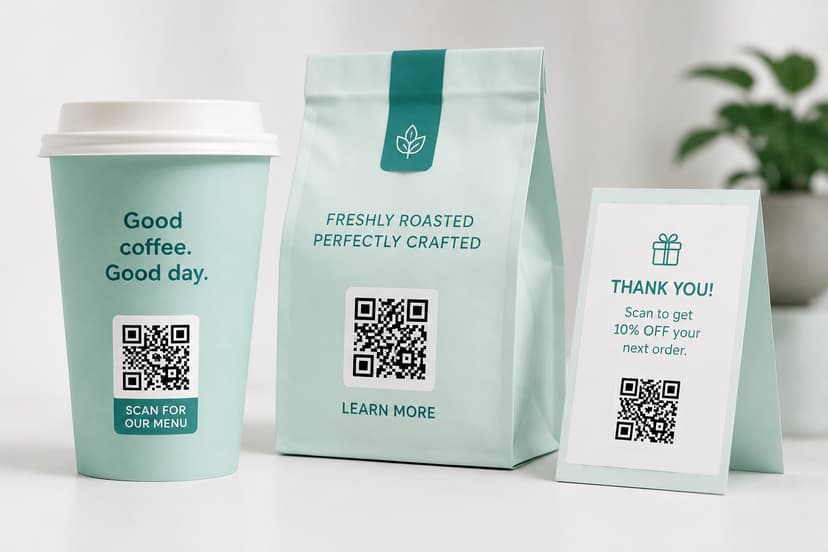
Marketing
Revolutionize Brand Promotion
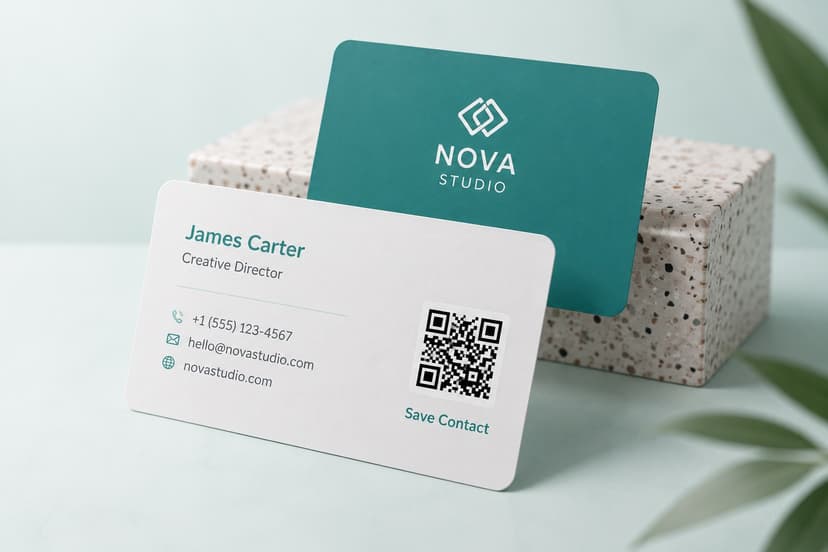
Business Cards
Make Yourself Accessible
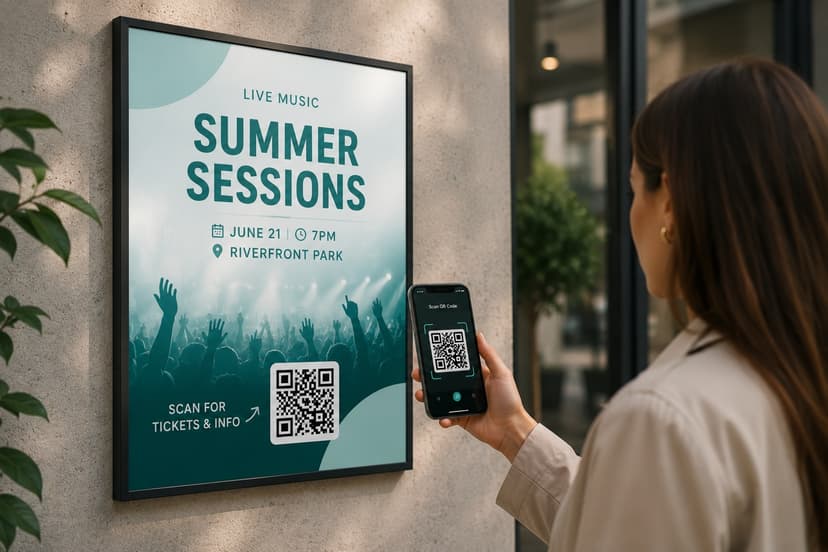
Flyers
Turn Flyers Interactive

Brochures
Share More Information
Frequently asked questions about QR codes
FAQ
A QR code generator or creator is a software tool that allows users to create QR codes to store various types of information. QR codes are matrix barcodes scanned using a smartphone or other QR code scanner. QR code generator, as well as QR code creator, are interchangeable terms.
QR codes are used for the following 5 primary purposes:
- Exchanging information: QR codes facilitate the sharing of information, such as a Video, a PDF, a text, or a coupon code.
- Sharing contact info: QR Codes allow individuals to share contact information, such as a phone number, email, or social media address, without typing.
- Connecting to Wi-Fi: QR Codes make it fast and easy to connect to Wi-Fi networks without manually entering the SSID and password.
- Advertising: QR Codes are used in marketing campaigns to give customers quick access to product information or special offers.
- Sharing links: QR Codes are used to share links to online content, such as a Website of a specific webpage, app, YouTube Channel, etc.
Generating QR Codes online has two main benefits: obtaining insights and making sharing easier. QR Code generators provide insight and analytics about the number of scans, the location of the scans, and the device used to scan a QR code. The QR Codes are easily shared on social media, email, or other digital platforms.
Online QR Code generation offers several advantages:
- Customization options: Online QR Code generator provides multiple customization options, including color, logo, and shape, so that the QR Code becomes more attractive and relevant.
- Error correction: QR Code generators offer error correction, which allows scanning a damaged or partially obscured QR Code.
- Time saver: QR Code generators allow users to create QR Codes quickly and easily without specialized knowledge.
Several options are available for making the QR code more attractive through QR code customization:
- Sticker: Make QR codes more attractive by adding frames.
- Color: Pick a color that complements the brand's color scheme or stands out.
- Shapes: Choose the shape of the body and edges of the QR code to make the code more visually appealing.
- Logo: Include a logo on the QR code to increase brand recognition and make the code more aesthetically pleasing.
- Sticker text (CTA): Provide a CTA encouraging users to take action, like "Scan me for a discount!"
There are four main types of files for QR Codes: PNG, JPG, EPS, and SVG. EPS and SVG are used for vector graphics, while PNG and JPG are used for digital images. The ability to resize EPS and SVG without compromising image quality makes both formats ideal for printing.
QR code types
Ready to Step Into the world of QR?!
Add fully-customizable, trackable QR Codes on anything with the flexibility of using your brand's colors and logo.

- As a new user, you are entitled to a 7-day free trial period after registration.
- Even after the trial period expires, your account will remain accessible. However, please note that your data will become temporarily unavailable until you switch to a new plan.
- Following the conclusion of the trial, Dynamic QR codes generated during the trial will be temporarily deactivated. Meanwhile, Static QR codes will continue to function.